Reduce costs. Save time. Multiply profits.
.svg)
.svg)

.svg)
.svg)
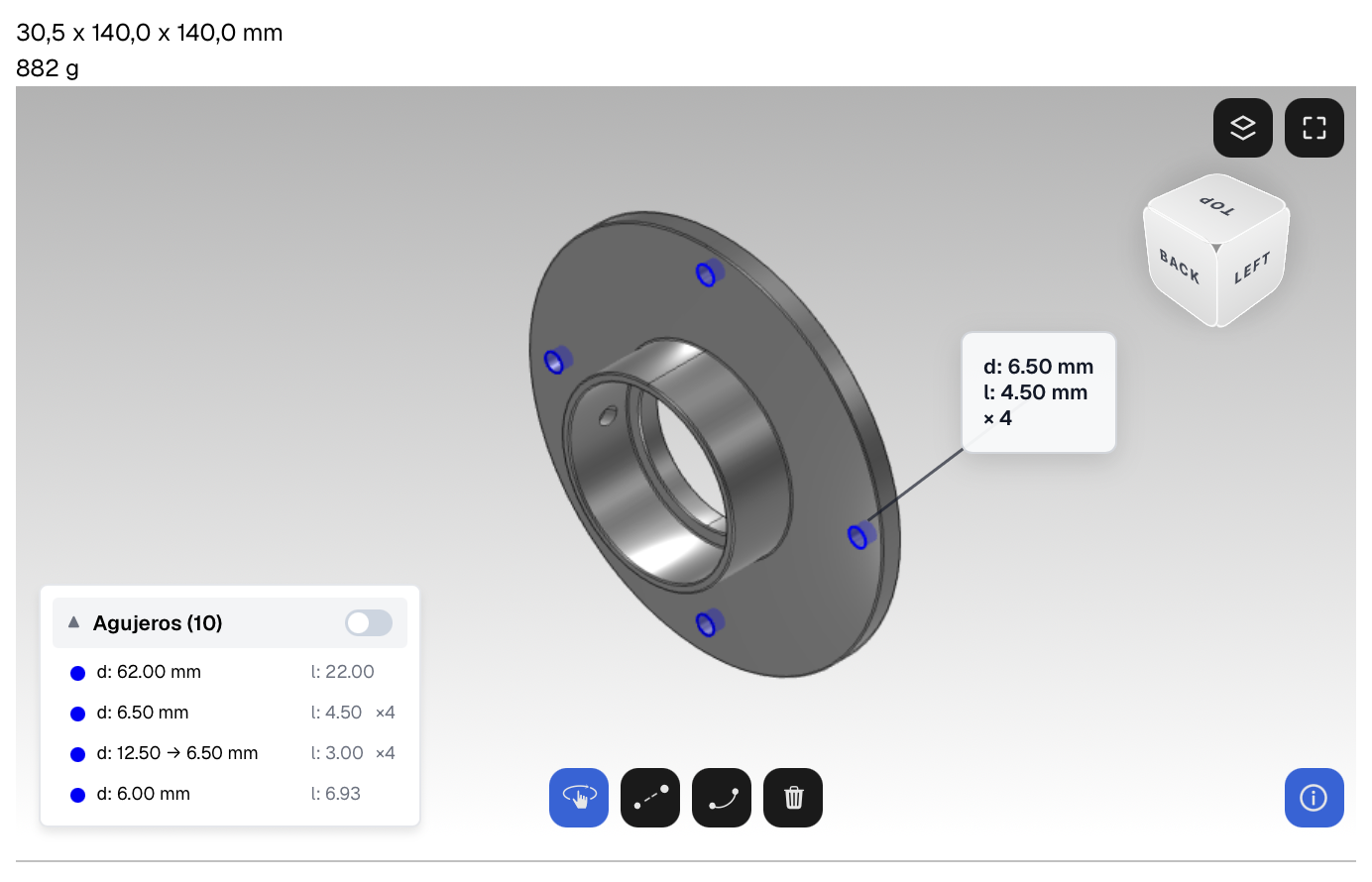
Your customer already sends you everything by email: the 3D files, the drawings and the quantities. Forward that email to your Fabriqer Inbox address and the quote builds itself.
Your customer's email, exactly as it arrives, to your Fabriqer Inbox address.
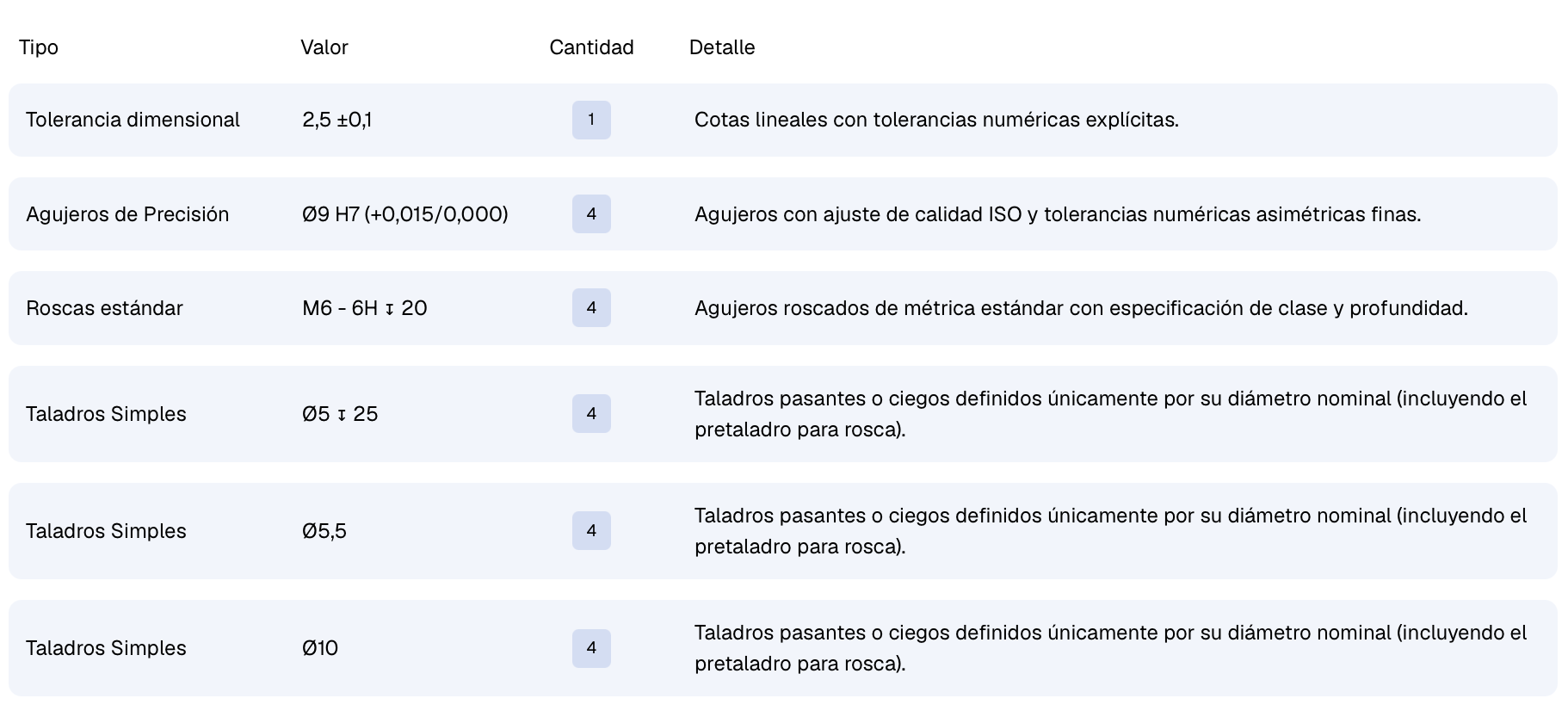
It downloads the parts, reads the drawings and assigns materials, quantities and deadlines based on the message.
Machining time is calculated automatically from the geometry and your history.
The quote is waiting for you, with your branding and your terms. You give it the green light.

MATERIALS

Simplify material management with full control over alloys, finishes, and prices.
Reuse configurations, update values, and gain accuracy in every quote.
TIMES
Record the work phases according to your process: from programming and setup to machining or quality control.
The AI estimates the machining time from the geometry and your previous quotes. Every quote you send leaves the system sharper.


CRM
Client registration and management
View quotes by client
QUOTES
Custom Quote Creation
Sales Reports and Analytics


Frequently Asked Questions




.png)